ProxyAxe Blog Datacenter Proxy Web Scraping Automation
What Is a Datacenter Proxy? Speed, Value, and 11 Practical Facts
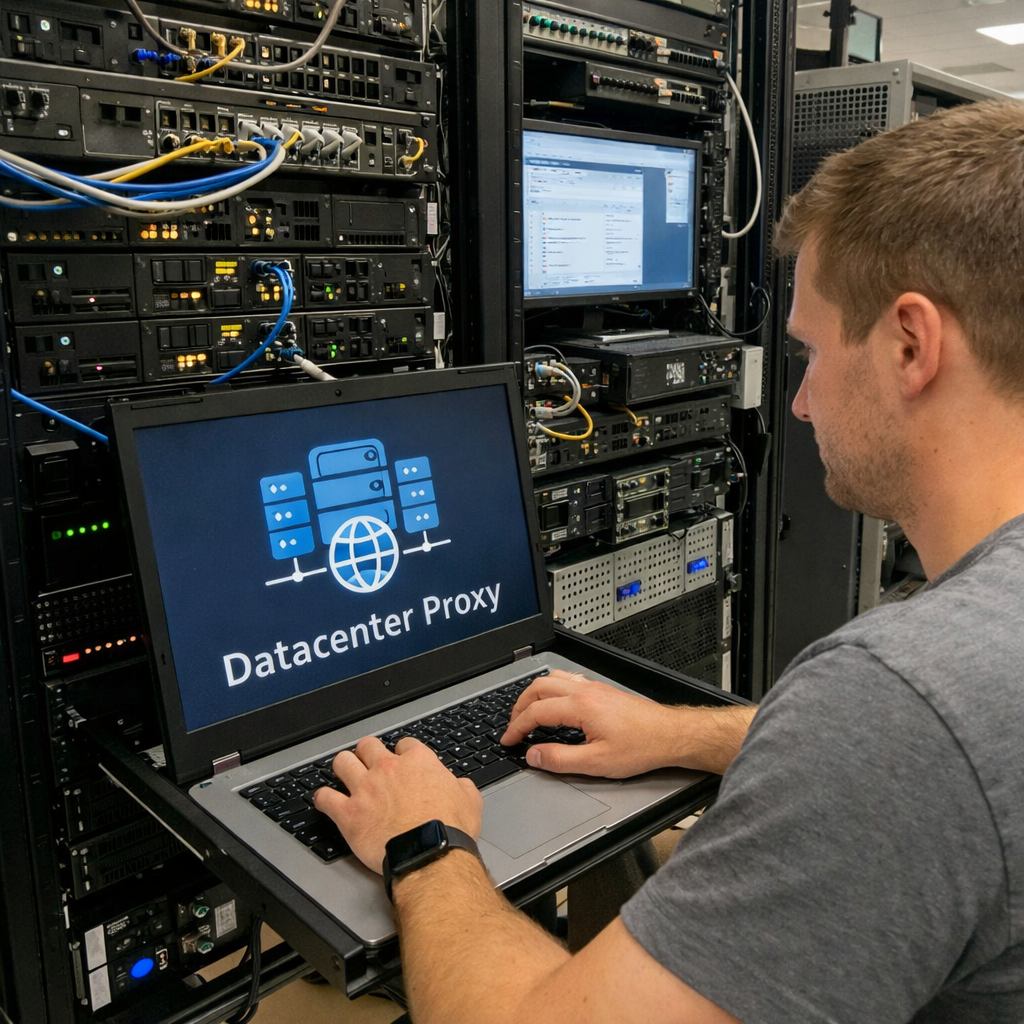
A datacenter proxy routes your internet traffic through an IP address hosted inside a cloud data center. Instead of using a home or mobile network IP, you use an IP that comes from server infrastructure. This is why datacenter proxies are popular for high volume work like scraping, monitoring, and automation.
If your goal is speed and scale, a datacenter proxy is often the best starting point. It is usually fast, predictable, and cost effective compared to other proxy types. However, some websites with strict anti bot systems may challenge datacenter IP ranges more often than residential or mobile IPs.
Table of Contents
What Is a Datacenter Proxy?
A datacenter proxy is a proxy server that routes your requests through an IP address hosted in a data center. These IPs are typically managed by hosting infrastructure rather than consumer internet providers. In simple terms, your target website sees the proxy IP, not your real IP.
Datacenter IP vs Residential IP
- Datacenter IP: Comes from server infrastructure. Usually faster and cheaper.
- Residential IP: Comes from consumer ISPs. Often looks more like a real user to strict sites.
- Mobile IP: Comes from mobile carriers. Often has the highest trust, but it is usually the most expensive.
Why This Matters for Real Work
Many automation tasks are limited by time and cost. Datacenter proxies help you do more requests per minute while keeping expenses under control. For ProxyAxe users running large workflows, that mix of speed plus value is the main reason to choose datacenter IPs.
How Datacenter Proxies Work
- You send a request from your app, browser, or scraper to the proxy endpoint.
- The proxy forwards it using a datacenter IP address.
- The website responds to the proxy IP address.
- You receive the response back through the proxy connection.
Why the Round Trip Is Fast
Data centers are built for high throughput networking and stable latency. That is why datacenter proxies tend to deliver quick response times and consistent performance. In practical terms, you can run more parallel requests without your proxy becoming the bottleneck.
Key Benefits of Datacenter Proxies
1) Lightning Fast Speed
Datacenter proxies run on enterprise grade networking. This makes them ideal for bandwidth heavy tasks like large scale scraping, bulk API calls, and continuous monitoring. If your workflow depends on speed, datacenter IPs are usually the most efficient option.
2) Most Cost Effective Proxy Type
Datacenter IPs are usually cheaper to provision than residential and mobile IPs. That means you can scale your IP count without burning your budget. If cost per request matters, datacenter proxies are often the best value choice.
3) Instant Setup
Datacenter proxy plans are typically ready immediately after purchase. This is useful when you need to launch a scraper, a monitoring tool, or a test environment quickly. In a busy team, fast provisioning reduces downtime and keeps projects moving.
4) Unlimited Bandwidth Options
Many datacenter proxy plans offer unmetered usage options. That makes them great for always on tasks where bandwidth usage is unpredictable. Just make sure you review fair use and connection limits in your plan details.
5) Predictable Performance
Stable infrastructure often equals stable results. Predictable throughput and uptime are important for production workflows such as data pipelines, alerting, and competitive monitoring. If you need consistency, datacenter proxies are a solid baseline.
Common Use Cases
| Use Case | Why Datacenter Proxies Fit |
|---|---|
| Large Scale Web Scraping | High speed, high concurrency, and cost efficient scaling |
| Data Mining and Aggregation | Handles large volumes well, often with unmetered plans |
| API Automation | Low latency and consistent response times for frequent requests |
| SEO Rank Tracking | Affordable for checking many keywords on a schedule |
| Brand Protection | Monitor listings, misuse, and policy violations at scale |
| Performance Testing | High throughput for load tests, benchmarks, and monitoring |
Datacenter vs Residential: When to Choose Which
Choose Datacenter Proxies When
- You need maximum speed and throughput
- Your target websites have light or moderate protections
- You run high volume tasks where cost per request matters
- You need reliable uptime for production systems
- You are doing internal testing, monitoring, or automation
Choose Residential Proxies When
- Target sites have strict bot detection and reputation scoring
- You must appear like a normal household user
- Stealth is more important than raw speed
Practical note: Some sites use advanced bot management solutions. For a general overview of bot mitigation concepts, you can review Cloudflare documentation here: Cloudflare Bots documentation.
Complete Proxy Type Comparison
| Feature | Datacenter | Residential | Mobile |
|---|---|---|---|
| Speed | Fastest in most cases | Fast | Varies by network |
| Trust Level | Medium | High | Very High |
| Cost | Usually lowest | Medium | Usually highest |
| Block Risk | Moderate on strict targets | Lower | Often lowest |
| Best For | Speed and volume tasks | Stealth scraping | Sensitive account flows |
Buying Checklist for Datacenter Proxies
Features That Matter Most
- Protocol support: HTTP, HTTPS, SOCKS5
- Rotation options: rotating IPs or sticky sessions
- Locations: country and city coverage if needed
- Concurrency limits: parallel requests per proxy
- Authentication: username and password or IP allowlisting
- IP type: dedicated vs shared pools
Trust and Reliability Checks
- Uptime: clear uptime targets and transparent status reporting
- Support: fast help when blocks or configuration issues happen
- Logging policy: pick minimal logs if privacy matters
- Abuse controls: helps protect IP reputation over time
Best Practices to Reduce Blocks
If you use a datacenter proxy on stricter targets, success is often about behavior. Here are practical steps that usually help:
- Rate limit your requests so traffic looks natural
- Rotate IPs for large crawls and repeated checks
- Use sticky sessions for login based flows
- Keep headers consistent and avoid obvious automation defaults
- Retry smartly with backoff instead of hammering the same endpoint
- Separate workloads by proxy pools for better reputation control
Get Started with ProxyAxe Datacenter Proxies
Launch high speed datacenter proxies fast, choose HTTP or SOCKS5, and scale to large proxy pools for scraping, monitoring, and automation. Visit ProxyAxe.com to explore plans and start building your setup.
FAQs
1) Are datacenter proxies safe to use?
A datacenter proxy can be safe when you use a reputable provider, secure authentication, and follow good operational practices. Always protect credentials, use HTTPS endpoints where available, and avoid risky automation patterns.
2) Why are datacenter proxies cheaper than residential proxies?
Datacenter IPs are typically easier to provision and manage through hosting infrastructure. That often reduces the cost per IP compared to consumer ISP based IP supply chains.
3) Will a datacenter proxy work on Cloudflare protected sites?
It depends on how strict the target is and what signals it checks. Some sites are tolerant, while others are aggressive. If you want a general overview of bot mitigation, see: Cloudflare Bots documentation.
4) Should I use rotating IPs or sticky sessions?
Use rotating IPs when you want to spread requests and reduce rate limits. Use sticky sessions when the workflow requires a stable IP for logins, carts, or session cookies.
5) What is the best use case for a datacenter proxy?
High volume tasks like web scraping, rank tracking, API monitoring, and performance testing are common fits because they benefit from speed and predictable throughput.
6) How many proxies do I need?
It depends on your request rate, target limits, and how strict the site is. A good rule is to start small, measure block rates, then scale IP count and rotation until you hit a stable success rate.
7) What does unlimited bandwidth mean in practice?
It usually means you are not billed per GB. However, some plans may still have fair use rules, speed tiers, or connection limits. Always review plan details before you run heavy jobs.
Conclusion and Next Steps
A datacenter proxy is a practical tool when you want fast performance, scalable IP access, and strong cost control. For many ProxyAxe customers, datacenter proxies are the best option for volume workflows like scraping, monitoring, and automation. If your targets are extremely strict, consider mixing strategies such as better pacing, smarter rotation, or using a different proxy type for those specific sites.